
Stuck with apps you never asked for? Here’s how to uninstall system apps on Android: try Uninstall first, then Disable, and use ADB only as a last resort for apps with no button.
This guide is part of our wider collection of android tips and tricks for everyday phone problems.
| Item | Value |
|---|---|
| Average apps installed on a smartphone | Around 80 installed apps |
| Share of those apps never used | At least 30% |
| Storage freed by disabling an app | None: the disabled app still takes up memory |
| Scope of the ADB command pm uninstall –user 0 | Changes user 0, not the system image |
| Undoing a Disable | A single tap on the App Info screen |
The figures come from Kaspersky’s December 1, 2023 guide and the Position Is Everything ADB guide. They can change, so check the sources before you rely on them.
Check Settings first: the App Info screen
Open Settings and look for the Apps section, which lists every installed program and has a search feature so you don’t have to scroll. Tap the app to reach its App Info screen, where you can see data, battery and storage use and, if the phone allows it, an Uninstall button. If the button is active, tapping it finishes the job, as Kaspersky’s guide explains.
Clearing out unused apps is worth the effort. Kaspersky reports an average of around 80 installed apps per smartphone, with at least 30% never used, and warns that abandoned apps can keep collecting data or gobble up mobile data (source).
Disable a preinstalled app when Uninstall is missing
Apps installed by the phone’s maker are often non-removable, so the App Info screen shows Disable where Uninstall would be. They are not always tied to the core of the system: Kaspersky gives a Facebook client or a proprietary browser as examples (source).
A disabled app vanishes from your home-screen icons and won’t run by hand or when the phone boots. If you change your mind, a single tap on the same screen turns it back on, according to Kaspersky.
The catch is storage. Disabling does nothing to save space, because the app keeps taking up memory on the phone.
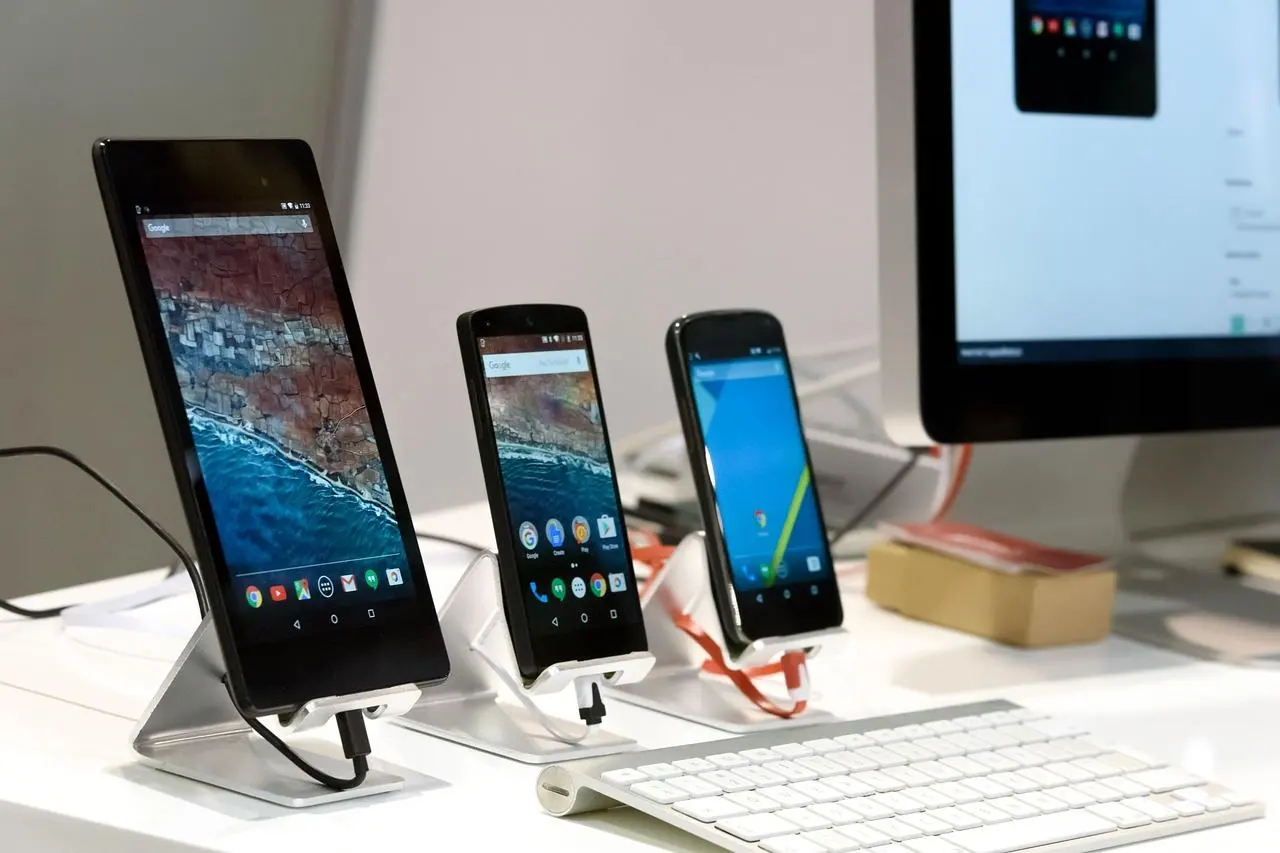
What you can disable depends on the phone. The Position Is Everything guide says Google states that some preinstalled Pixel apps cannot be deleted but most system apps can be disabled, and that Samsung separates deleting, disabling and hiding preloaded apps.
What if the Disable button is grayed out?
Vendors block disabling for apps the system relies on, often for a good reason, so think carefully before forcing the issue. Search for your exact phone model plus the app name: forum threads often say whether the app is safe to disable or has side effects (Kaspersky).
A harmless test is Force Stop, the second button on the App Info screen, which is almost always active. It stops the app temporarily without removing it, so the app no longer uses power or mobile data. If the phone keeps working normally, the app may not matter much.
Stopped apps can restart after certain events or a phone restart. To repeat the stop automatically, an automation app such as Greenify can help, per Kaspersky:
- It does not need superuser rights.
- It only automates the trip to App Info and the Force Stop tap.
- You give it a list of unwanted apps and set a schedule, for example twice a day.
Install any helper like this only from Google Play, never from unofficial APK sites.
Removing a system app for your user with ADB
ADB is for apps with no Uninstall or Disable option that you have already tested by stopping. Kaspersky warns that Developer mode creates information security risks by allowing connections to the phone over USB or LAN, and that Google’s many safeguards still leave a high room for error (source).
Make a full copy of your data before you start; our guide on how to back up android phone walks you through it.
- Install Google’s official Android SDK Platform-Tools on your computer; ADB also needs USB debugging and a data-capable USB connection (source).
- On the phone, open About phone and tap Build Number repeatedly to enable Developer mode; the wording differs a little by vendor (source).
- Turn on USB debugging in Developer settings, connect the phone by USB and allow debugging when the phone asks.
- Find the exact package name of the app, because ADB needs it rather than the label you see on screen.
- Run adb shell pm uninstall –user 0 PACKAGE_NAME for one package, then check that the phone behaves normally (source).
This is a user-level removal. The command changes user 0, not the system image, and although it needs no root, it does not unlock the bootloader, grant root access or rewrite protected partitions (source).
To undo a removal, try adb shell cmd package install-existing –user 0 PACKAGE_NAME when the package is still in the system image. A package you only disabled usually comes back with adb shell pm enable PACKAGE_NAME, per the same guide.
Which system apps should you leave alone?
A harmless-sounding name can hide something vital. The Position Is Everything guide warns that removing any of these can make core phone functions fail:
- The launcher
- Settings components
- Telephony services
- The Bluetooth package
- WebView
- The keyboard
If you can’t tell what a package does, disable it first before removing anything, since that is simpler to reverse and shows whether the phone stays stable (source).
Once the clutter is gone, our guide on how to update apps on android is a useful next read for the apps you keep. This site is independent and not affiliated with Google, phone makers or app developers, and it points only to official stores for apps.
Frequently asked questions
Can you delete a system app for good without root?
Show answer
No. Without root, the ADB command only marks the app as not installed for the main profile, while the copy stays in the protected system area, according to the Position Is Everything guide.
Does disabling an app free up storage?
Show answer
It doesn’t. Kaspersky notes that a disabled app still occupies memory, so reclaiming space means a normal uninstall or ADB removal.
Is Developer mode risky to leave on?
Show answer
It can be. Kaspersky says Google fenced the feature with permission requests and extra passwords, yet the room for error remains high, so switch USB debugging off when you finish.
How do you get a disabled app back?
Show answer
Return to the app’s page in Settings and tap Enable, where the phone offers that control (source). An app you disabled through ADB instead needs the pm enable command.