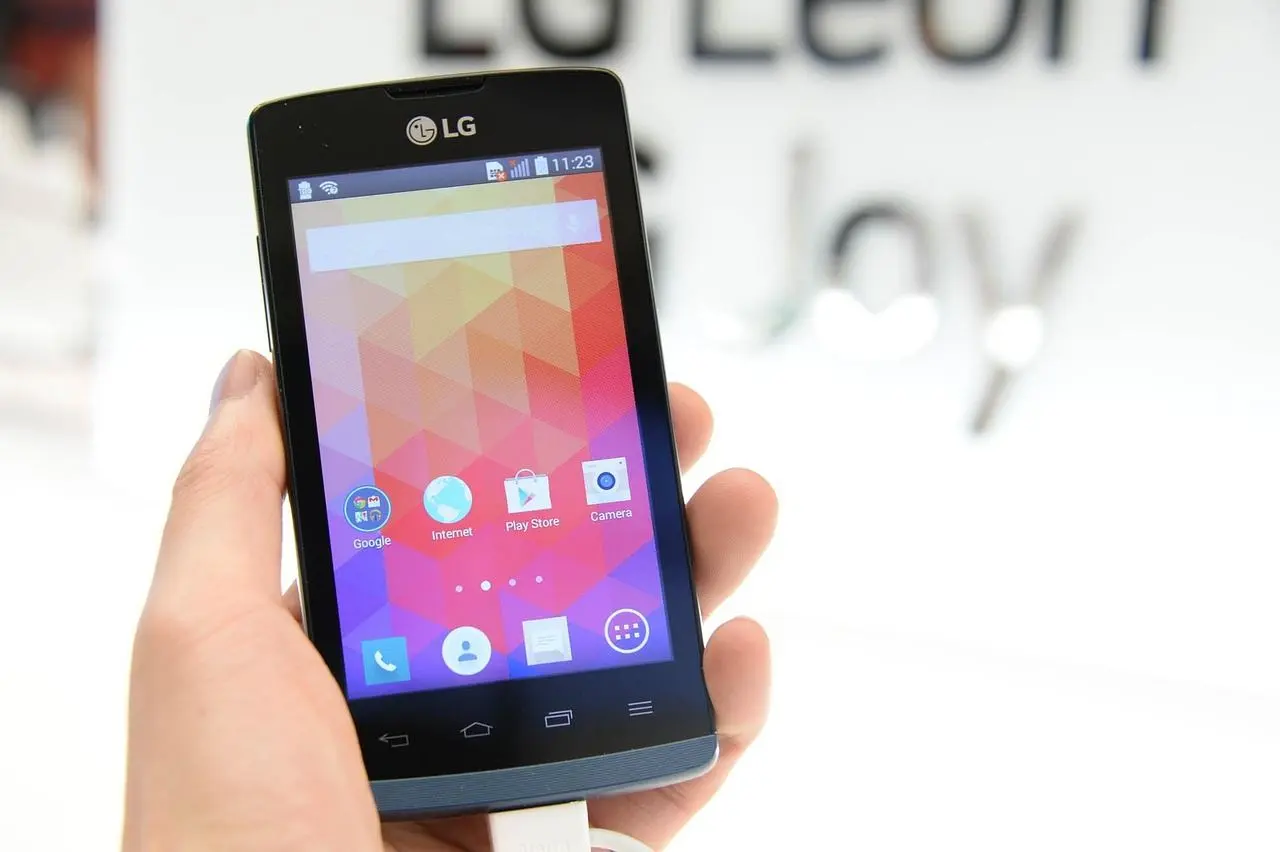

Switching phones or resetting this one, and worried about losing your stuff? Here is how to back up Android phone data: open Settings, tap Google, then All services, Backup, and Back up now.
For more guides like this one, browse our android tips and tricks collection.
| Item | Value |
|---|---|
| Free Google Account storage for backups | 15 GB |
| Time a Google One backup can take | Up to 24 hours |
| Time a restore can take to finish fully | Up to 24 hours |
| Android version needed for some steps | Android 9 and up |
| Recommended screen lock | PIN, pattern or password |
| Restoring from a higher to a lower Android version | Not supported |
These figures come from Google’s Android Help page on backing up and restoring data. They can change, so check the source before you rely on them.
What a Google backup covers
Your phone saves a Google Account backup automatically, and Google lists what it includes in its Android Help guide:
- Apps and app data
- Call history
- Contacts
- Device settings
- SMS and MMS messages
Not every app plays along, so some app data may not come back in full. Google warns that not all apps can back up or restore all of their settings and data.
Your Google Account includes 15 GB of storage at no charge for backups, per Google’s help page. You can buy more through Google One afterwards if you need it.
How to back up your Android phone step by step
The fastest route to moving apps, messages, call history and settings is to back up the old phone first, according to Google’s Android Learning Center. Menu names vary a little by maker and Android version.
- Open your phone’s Settings app.
- Tap Google, then All services.
- Under “Backup and restore,” tap Backup.
- On a first run, turn on Backup by Google One and follow the prompts.
- Tap Back up now.
Be patient after tapping, because a Google One backup can take up to 24 hours. Once your data is saved, the word “On” appears under the data types you chose, as Google describes.
Pick a PIN, pattern or password as your screen lock before you start. Google recommends this over a plain swipe or Smart Lock to help protect backed-up data.

Check your backup before you erase anything
Do not wipe the phone until you have looked at what was saved. Open Settings, tap Google services, then Backup, and review the Backup details section, which Google says shows which data and apps are included.
On a Pixel, you can also check the last backup date from a browser. Go to Google Drive, click Storage, then click Backups to see a list of device backups and when each was last modified, per Pixel Phone Help.
Photos, videos and contacts work differently from the device backup. They sync to their own services and stay separate from it, as the Pixel help page puts it.
Once you are satisfied, resetting is the easy part, since you can erase the device after backing up, as Google notes. If the phone only feels sluggish, our guide on how to speed up android phone performance may save you a full wipe.
Restore onto a new phone or after a reset
Add your Google Account to the new or freshly reset phone, and you get the option to restore what you saved earlier. Google’s guide says to follow the on-screen steps.
Plan for a wait, because the restore can take up to 24 hours to complete fully. Your photos and videos are already in Google Photos, so they do not need restoring from the backup, according to the same Google page.
Mind the Android version of each phone. Both must run the same version, or the new one must run a later version, otherwise the transfer may be incomplete, per Google’s help text.
On a Pixel, Pixel Phone Help describes this flow during first setup:
- Sign in to your Google Account on a Wi-Fi network.
- Set up a PIN and any fingerprint or face unlock.
- When asked to restore data from an old device, tap the device you want.
- Choose which data to copy, then tap Restore.
If you saved contacts to your Google Account, they sync automatically, as Google confirms. After the restore, you may want to trim preinstalled apps, and our walkthrough on how to uninstall system apps on android explains what is possible.
Limits and gotchas to know about
Google backup is not available everywhere. According to Google’s help page, you cannot use it on a personal device with a work profile, a work-only device, or a company-owned device.
Some steps also depend on your software, since part of the process works only on Android 9 and up, per Google. Check your version in Settings before you begin.
- Backups on your Google Account dashboard are managed together, so choosing “Delete all data” removes your device and WhatsApp data for that account permanently.
- Photos and videos in Google Photos, plus MMS media from your carrier, are not encrypted by your screen lock.
- Google Maps Timeline backups need a separate opt-in on each device.
Those points come from the Android Help guide and the Pixel Phone Help page. If a step fails on your handset, Google suggests asking your device manufacturer for help.
Frequently asked questions
Is backing up an Android phone free?
Show answer
Mostly yes. A free Google Account allowance of 15 GB applies, and extra room is available through Google One, according to Google’s help page.
How long does a backup take?
Show answer
Leave the phone on Wi-Fi and give it time. Google’s Learning Center says a Google One backup can run for up to 24 hours.
Will my photos be included?
Show answer
They are handled by Google Photos rather than the device backup. Photos, videos and contacts sync to their own services, per Pixel Phone Help.
Can I restore onto an older Android version?
Show answer
No. A backup made on a higher version cannot be restored to a phone on a lower one, as Google’s guide states.
How do I turn backups off?
Show answer
Go to Settings, then Google, then All services, and open Backup under “Backup and restore.” Switch off Backup by Google One, as Google outlines.